
DVB Dream guide
Learn how to watch TV on a Windows computer with DVB Dream, a DVB tuner card or USB stick, antenna or cable feed, channel scan, EPG and recording tools.
Updated 2026-05-05
Direct Answer
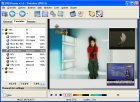
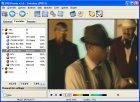
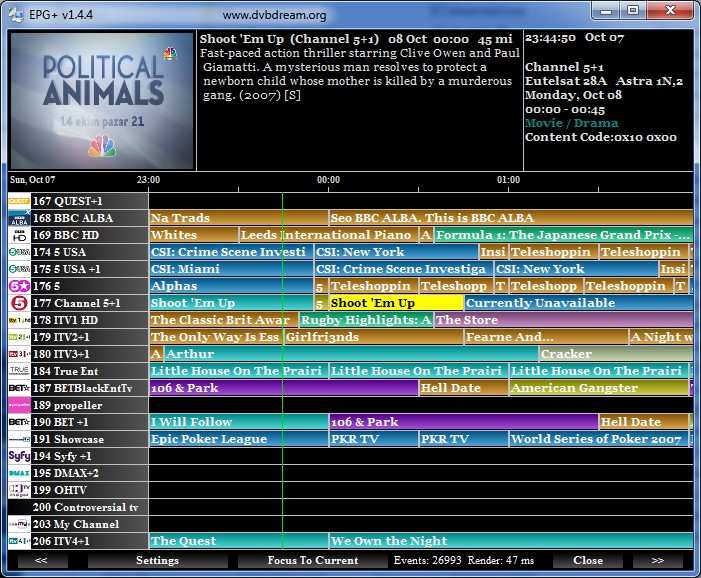
DVB Dream turns a Windows PC or laptop into a live TV viewer and recorder when paired with compatible DVB, ATSC or ISDB-T tuner hardware. Install the tuner driver, connect an antenna/cable/satellite feed, scan channels, then use DVB Dream for viewing, recording, EPG and scheduled capture.
What You Need
- A Windows computer with enough storage for recordings.
- A USB or PCIe tuner card with BDA-compatible drivers.
- A signal source: satellite dish, cable TV line, terrestrial antenna or compatible regional broadcast feed.
- DVB Dream installed from the official download or members area.
Recommended Setup Flow
- Install the tuner manufacturer driver first.
- Open DVB Dream and select the tuner device.
- Run a channel scan for the broadcast type and region.
- Confirm playback, audio, subtitles and EPG.
- Set recording folders and test a short scheduled recording.
Related Workflows
For creator workflows, continue with DVB Dream for YouTubers. For broader device research, check the supported tuner device list and BDA tuner filter names.
Common Questions
Can I watch TV on a laptop with DVB Dream?
Yes. A laptop can use DVB Dream when it has a compatible USB tuner stick or another supported tuner device with working Windows drivers.
Does DVB Dream need internet to watch live TV?
No. Live TV comes from the tuner signal. Internet can help with downloads, updates, forum support or external data, but the broadcast signal is local hardware input.